Sign Up
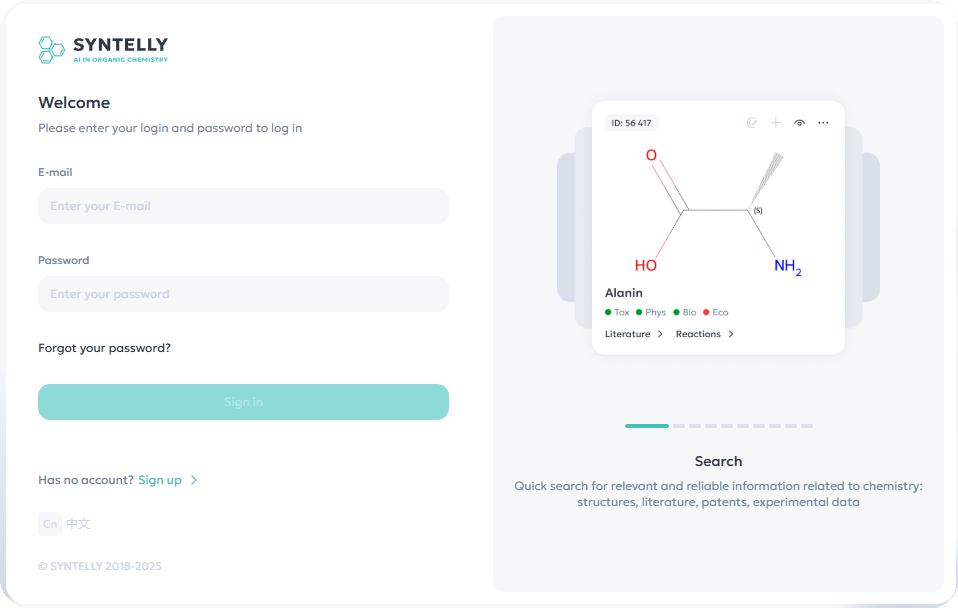
Step 1: Go to the registration page
To register in the system, follow these steps:
-
Go to https://app.syntelly.com.
-
On the homepage, click the "Sign Up" button.
-
In the pop-up window, click "Start Registration".
Step 2: Enter your account details
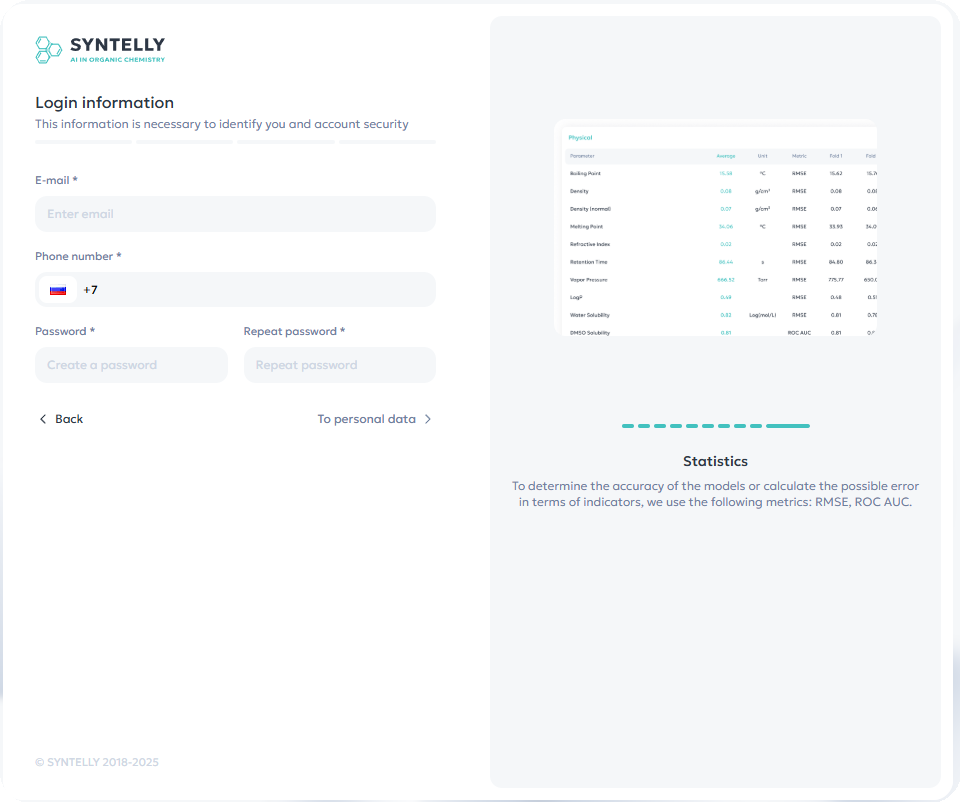
On the registration page, enter:
-
Email — use your work email address.
-
Phone number.
-
Password — create a strong password.
Use a password of at least 8 characters, including uppercase and lowercase letters, numbers, and special symbols.
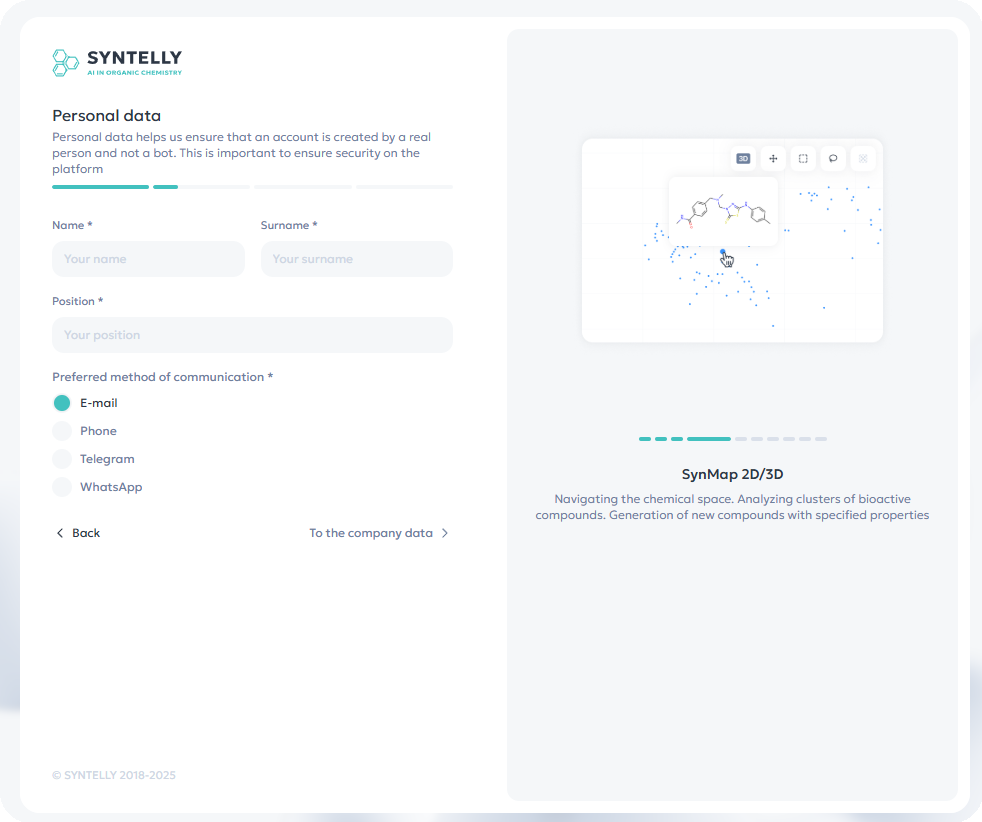
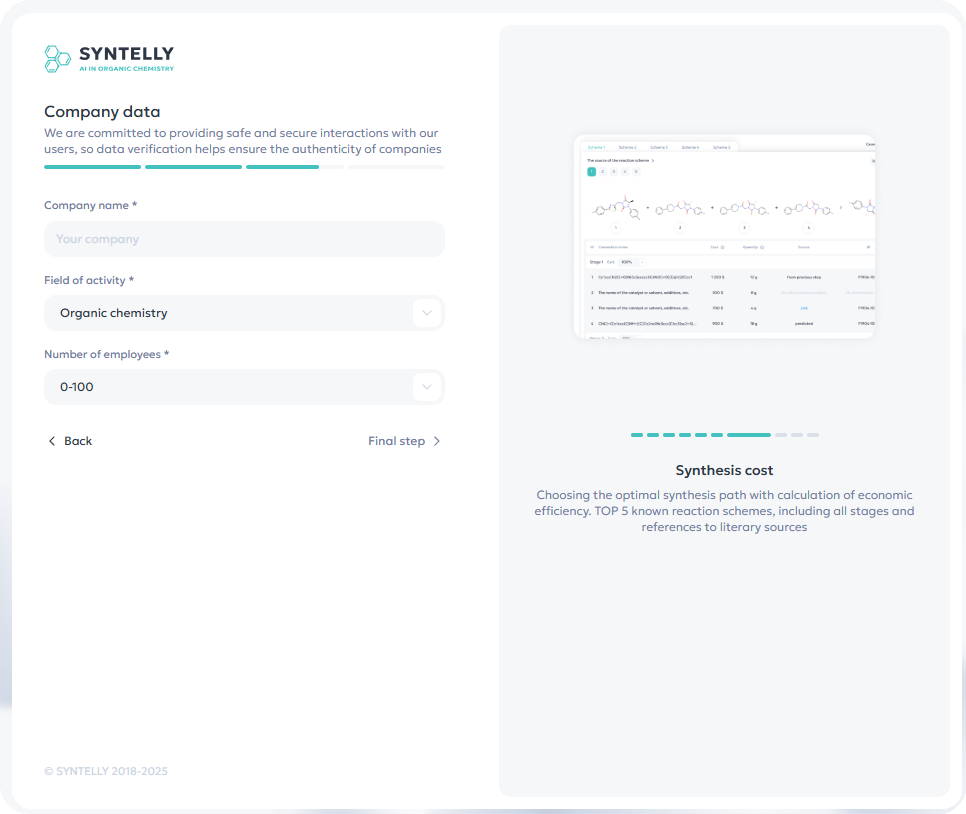
Steps 3-4: Fill out the questionnaire
-
Fill in your personal details (full name, job title, preferred method of contact).
-
Fill in your company information (company name, industry, number of employees).
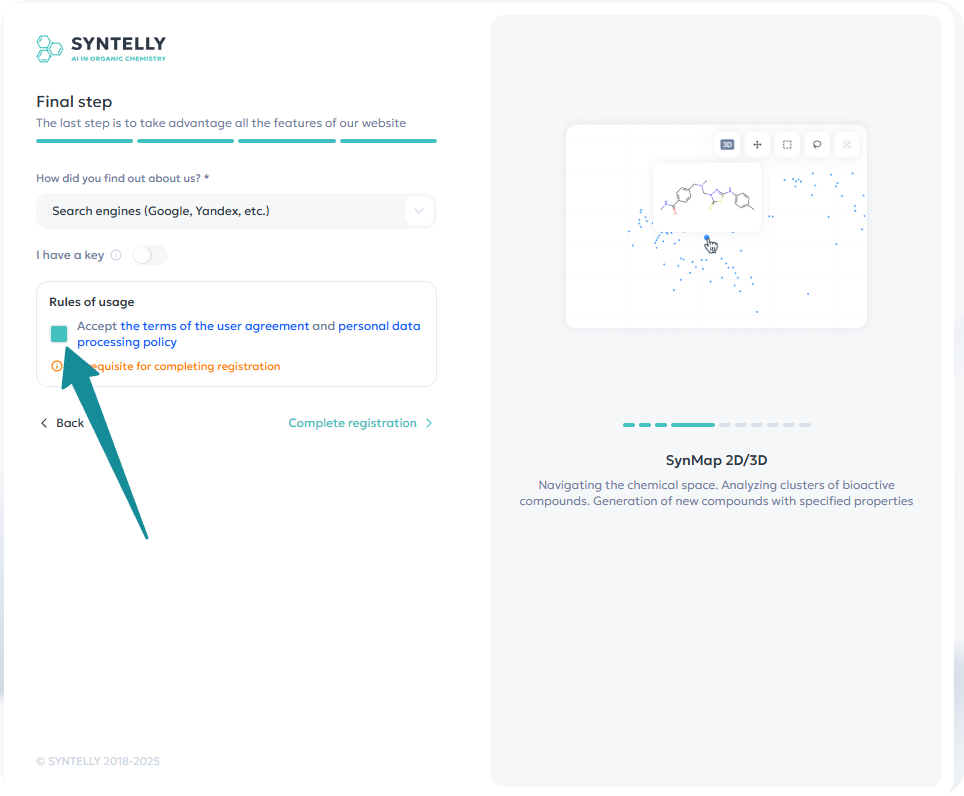
Step 5: Final step
-
Answer the question: How did you hear about us?
-
Mandatory: Check the box to agree to the User Agreement and the Privacy Policy.
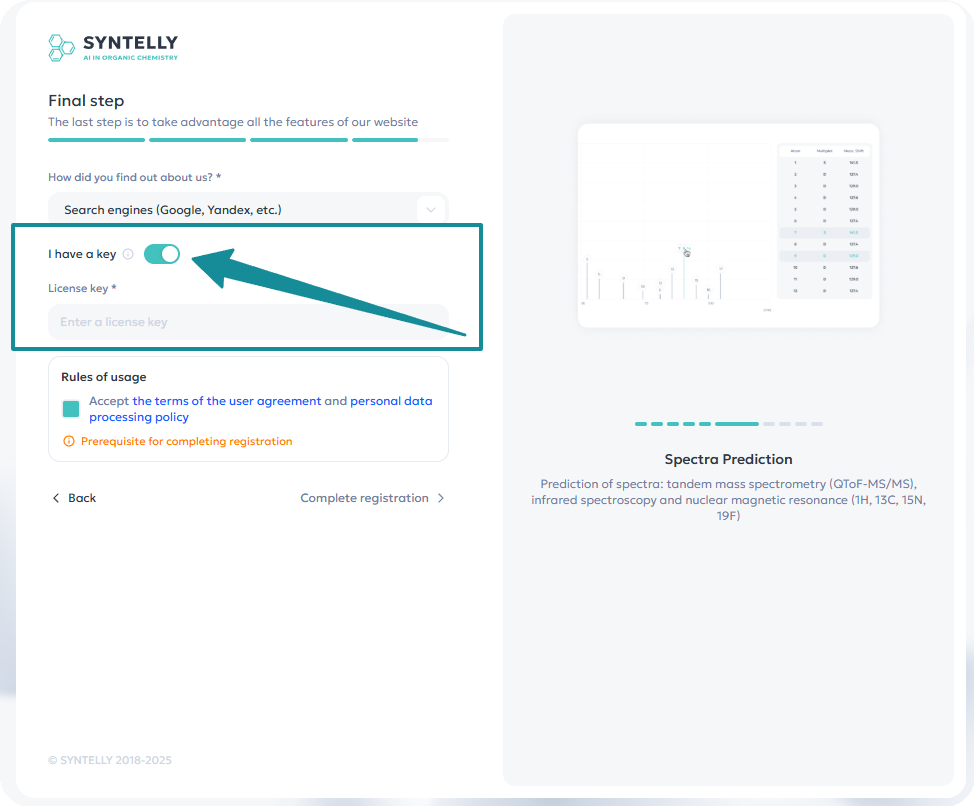
Step 6: Enter product key (if available)
If your organization has a paid subscription, enter the product key:
-
Enable the "Product Key" toggle.
-
Enter the key provided by your organization's administrator.
If there is no key, the system will offer registration for trial access.
Important! If you do not have the key, you can apply for the trial access (15 days)
Request Confirmation
-
Processed **on business days from 10:00 AM to 7:00 PM (GMT+3).
-
If the request is submitted during business hours, activation takes up to 3 hours.
Step 7: Confirming Registration
-
After submitting your request, you will receive a confirmation email.
-
Open the email and click "Confirm Email".
-
After confirmation, your account will be activated.
If you do not receive the email:
-
Check your Spam folder.
-
Make sure you entered the correct email.
-
If the email is not found, try registering again or contact support.
Completing Registration
After successful registration, you can log into the system using your email and password.